Part of: Cordless Drill Guide →
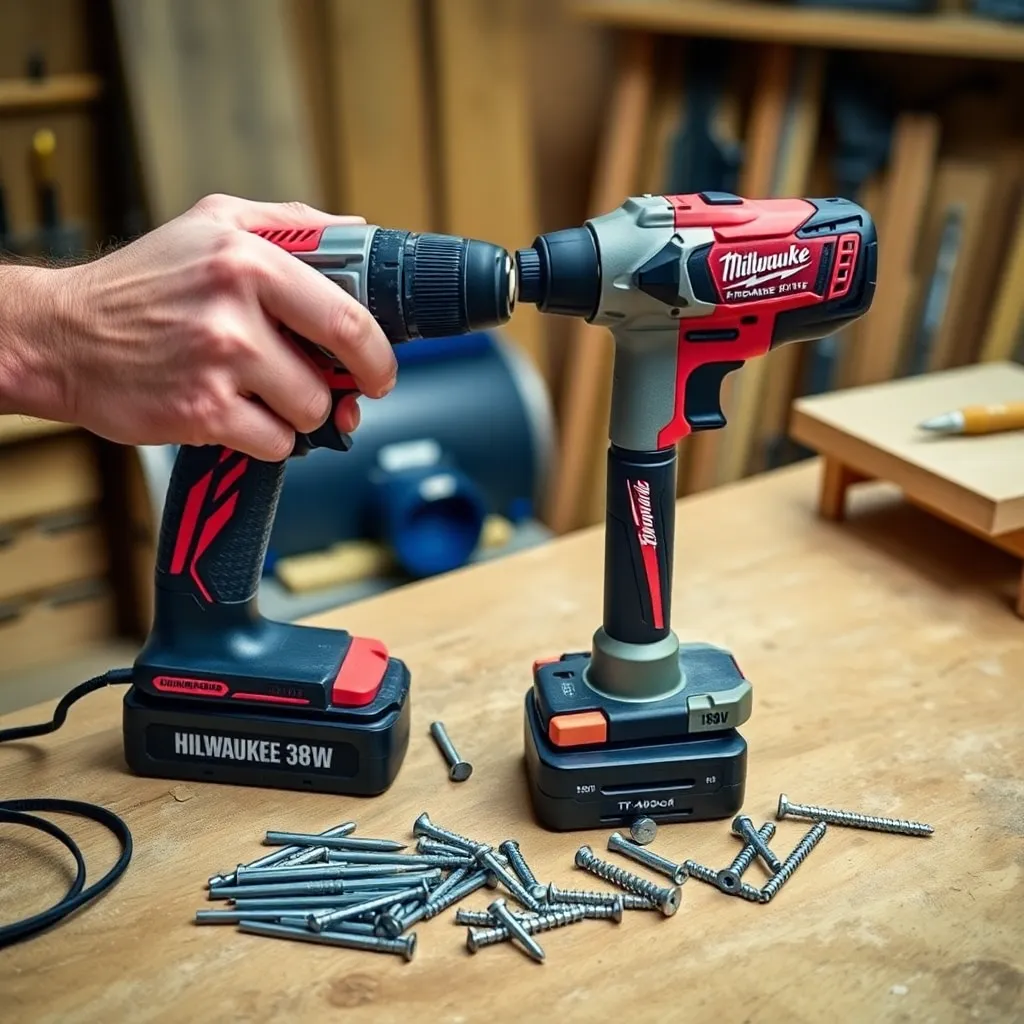
A drill driver and an impact driver look similar, cost similarly, and live on the same tool shelf — but they work differently and excel at different tasks. Choosing the wrong one for a job produces stripped screws, overdriven fasteners, inaccurate holes, and motor strain. Choosing the right one makes the same task faster, cleaner, and easier. This comparison covers every meaningful difference between the two tools and gives clear guidance on which to use for each woodworking task.
Ted’s Woodworking has 16,000+ plans with complete tool and materials specifications. Browse Ted’s plans →
Step 1: Core Mechanical Differences
Goal: Understand what distinguishes these two tools mechanically.
Drill driver mechanism:
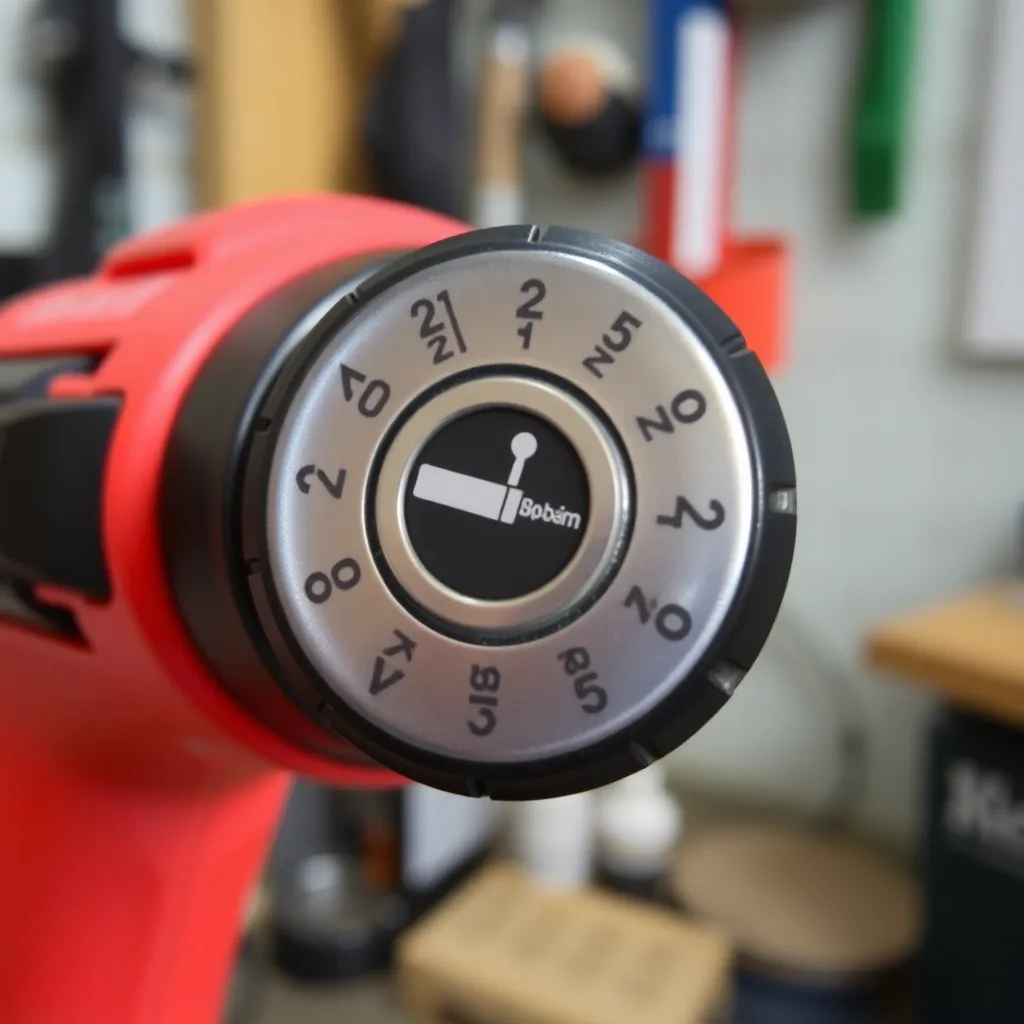
A drill driver has a motor connected through a gearbox to a chuck. The chuck grips the bit shank and rotates it at the selected speed. A clutch ring (numbered 1-20+ on most drills) controls the maximum torque delivered: when the fastener is fully seated and resistance exceeds the clutch setting, the clutch disengages and the chuck stops turning. This controlled torque delivery is what allows precise screw depth — the clutch stops the screw exactly where you want it.
Impact driver mechanism:
An impact driver also has a motor and gearbox, but adds a hammer-and-anvil mechanism between the gearbox and the output shaft. When driving a fastener into resistance, the mechanism engages: a spring-loaded hammer rotates and then strikes an anvil attached to the output shaft, delivering a short, sharp rotational impact. This repeats 1,500-3,000 times per minute. The result is very high torque in brief bursts. The impact force is absorbed internally — minimal torque is transmitted to the user’s wrist.
No clutch on impact drivers:
Impact drivers have no clutch. The tool doesn’t disengage when a screw is seated — it keeps driving. This is why impact drivers can overdrive small screws into soft material (sinking them below the surface) but also why they drive large screws without bogging down. The user controls depth by feel and timing, not by a mechanical clutch setting.
Milestone: The clutch is the drill driver’s defining advantage for precision. The hammer mechanism is the impact driver’s defining advantage for torque. Neither tool has both.
Step 2: Performance Comparison by Task
Goal: Know which tool performs better on each specific task.
Driving short screws (under 2″):
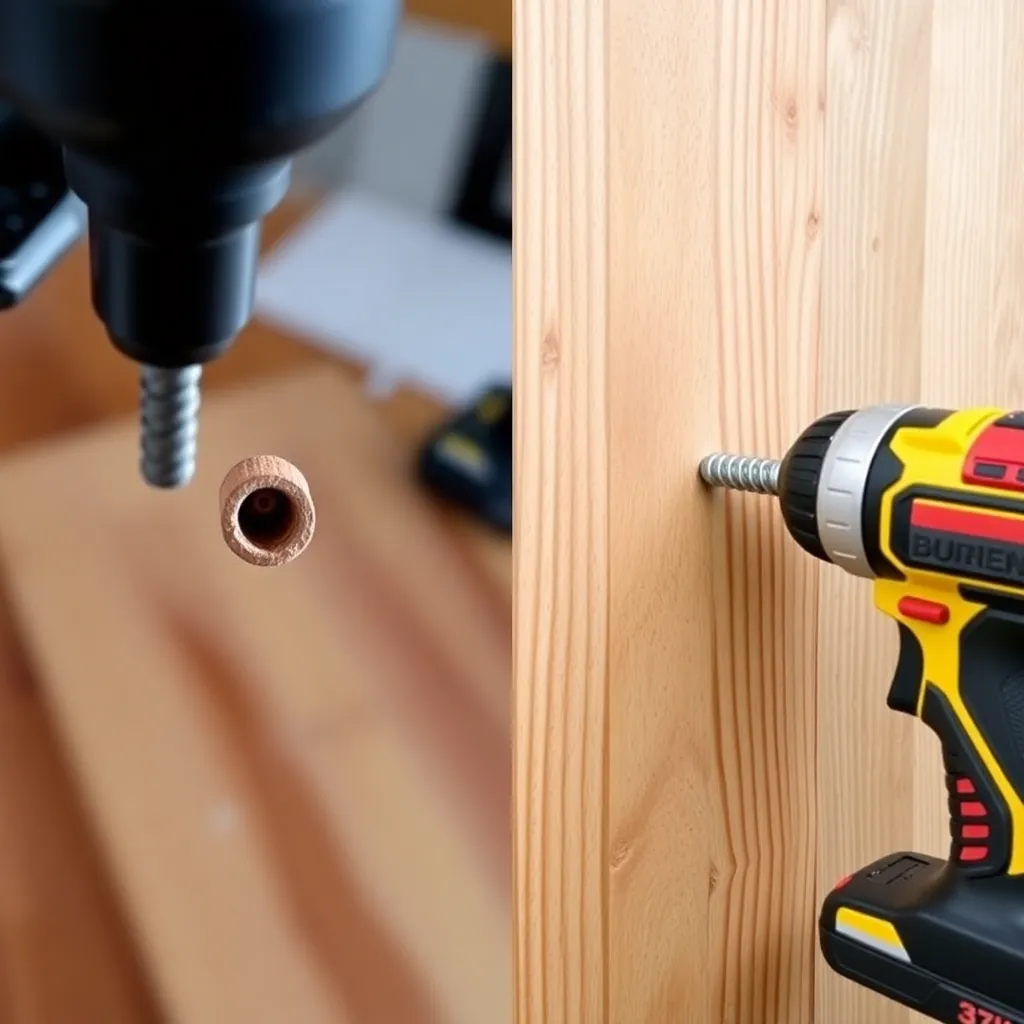
Drill driver wins. The clutch prevents overdriving — set it one number below where it starts slipping, and every screw is driven to exactly the same depth. Impact drivers lack this control; driving 1-1/4″ pocket hole screws into plywood with an impact driver requires careful trigger control to avoid burying the screw head.
Driving long screws (2.5″ and longer):
Impact driver wins decisively. A 3″ structural screw driven into hardwood with a drill driver strains the motor, risks cam-out, and takes 10-15 seconds. An impact driver drives the same screw cleanly in 3-4 seconds with no cam-out. The impact mechanism’s torque multiplies at exactly the moment it’s needed: when the screw encounters maximum resistance.
Lag screws and structural fasteners:
Impact driver wins. Lag screws (3/8″, 1/2″ diameter) require 300-600 ft-lbs of torque to seat properly. No drill driver comes close to this; most top out at 40-60 ft-lbs. An 18V impact driver delivers 150-200 ft-lbs — insufficient for full lag seating without pre-drilling, but with a properly sized pilot hole it seats lags quickly. For production lag driving, a high-torque impact wrench is the correct tool.
Boring holes:
Drill driver wins. Any twist bit, Forstner bit, spade bit, or hole saw fits the keyless chuck. The smooth, continuous rotation produces clean, accurately sized holes. Impact drivers accept only hex-shank bits and deliver inconsistent rotation that produces rougher holes.
Pilot holes:
Drill driver wins. Boring a pilot hole requires smooth rotation and accurate positioning — exactly what a drill delivers. The impact mechanism produces vibration that can deflect the bit slightly at hole entry.
Repetitive screw driving (decking, framing):
Impact driver wins. Driving 500 deck screws with a drill driver is exhausting — the continuous torque is transmitted to the wrist, and the clutch must be reset between screws. An impact driver drives each screw faster with almost no wrist fatigue.
Milestone: Default rule: any task involving hole boring → drill driver. Any task involving fastener driving into significant resistance → impact driver. For light driving tasks (small screws in softwood), either tool works; use whichever is in hand.
Step 3: Physical Differences
Goal: Understand ergonomic and practical differences between the two tools.
Size and weight:
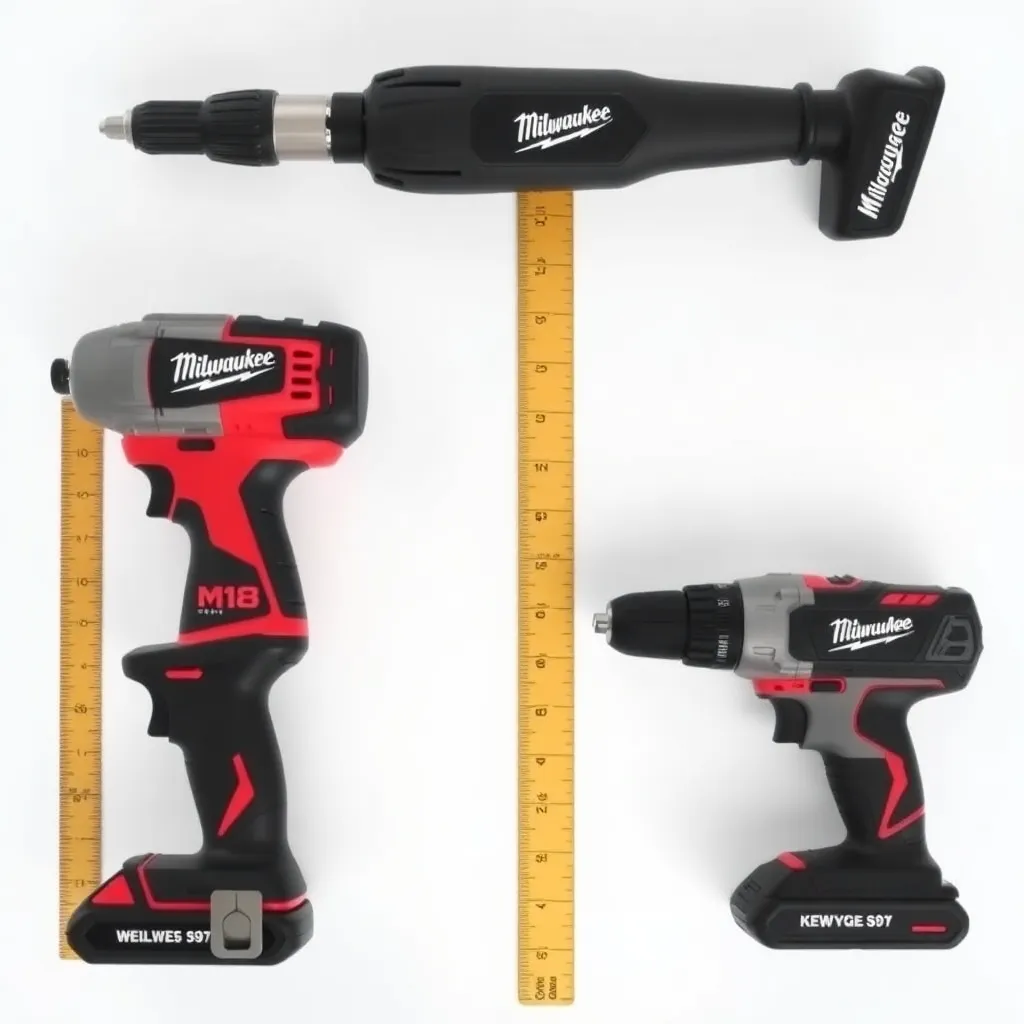
Impact drivers are typically 1-2″ shorter and 0.5-1 lb lighter than comparable drill drivers. The shorter length makes impact drivers easier to use in tight spaces — between studs, in cabinet interiors, under framing. The weight difference matters over a day of repetitive use.
Noise:
Impact drivers are louder than drill drivers — the hammering mechanism produces a distinctive rattling sound at 100+ dB when impacting under load. Hearing protection is recommended for sustained impact driver use. Drill drivers operate at 85-95 dB.
Chuck type:
Drill drivers: keyless 3-jaw chuck, accepts any shank diameter within range (typically 0-3/8″ or 0-1/2″). Impact drivers: quick-connect 1/4″ hex chuck, accepts only 1/4″ hex shank bits. The drill driver’s chuck is more versatile; the impact driver’s is faster to change bits.
Speed:
Drill drivers have 2 gear speeds: high speed (1,500-2,000 RPM) for small holes and light driving, low speed (0-500 RPM) for large holes and heavy driving. Impact drivers typically have a single speed range with variable trigger. Some impact drivers have 3 speed modes for different fastener sizes.
Milestone: For work in confined spaces — cabinet installation, under-sink work, between studs — the impact driver’s shorter length is a practical advantage. For bench work with changing bit types, the drill driver’s versatile chuck saves time.
Step 4: Buying Guidance
Goal: Choose the right tool or combination for your work.
Same battery platform:
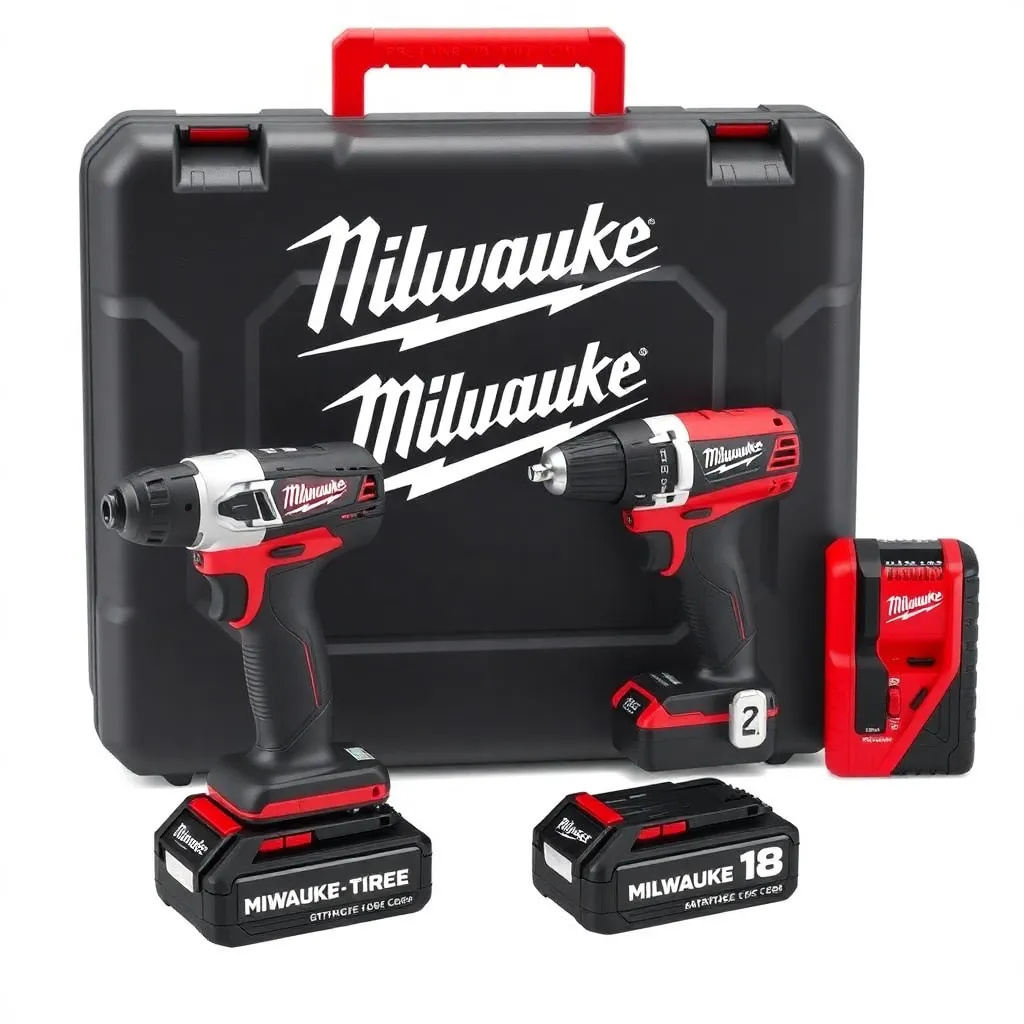
Both tools should be on the same 18V or 20V battery platform. Milwaukee M18, DeWalt 20V MAX, Makita 18V LXT, Bosch ProCORE 18V — pick one and buy both tools in that ecosystem. Combo kits (drill + impact driver, 2 batteries, charger) are the best value: $150-250 for mid-tier brands, $250-400 for professional brands.
Recommended brands:
Milwaukee M18 FUEL and DeWalt 20V MAX XR are the professional standard. Makita 18V LXT is preferred by many trim carpenters for its balance. Bosch 18V ProCORE produces excellent torque. For homeowner/hobbyist use: Ryobi 18V ONE+ offers good performance at lower cost and the largest accessory ecosystem.
Torque specifications:
Drill driver: look for 500+ in-lbs of torque and 21+ clutch settings. Impact driver: look for 1,500+ in-lbs of torque and at least 2 speed settings. These numbers separate professional-grade tools from light-duty versions.
Buying a combo kit vs individual tools:
Combo kits cost 20-30% less than buying each tool individually and include two batteries — the right starting point for most woodworkers. Buy individual tools only when adding to an existing platform (you already have batteries) or when you need a specific model not offered in a combo.
Milestone: For a complete woodworking tool purchase: Milwaukee M18 FUEL 2-piece combo (2897-22) or DeWalt 20V MAX XR 2-piece combo (DCK299P2) — both include a drill driver and impact driver with 5.0Ah batteries. Either is a professional-grade investment that will last decades.
Drill Driver Versus Impact Driver FAQ
Which is better for woodworking — drill driver or impact driver?
Both are essential for woodworking; neither replaces the other. The drill driver handles hole boring (twist bits, Forstner bits, spade bits), precise screw driving with clutch depth control, and tasks requiring a standard chuck. The impact driver handles long screws, structural fasteners, repetitive driving, and any fastening task where torque matters more than depth precision. Most experienced woodworkers own both and switch between them constantly.
Can I use an impact driver as a drill?
For driving screws: yes, an impact driver works well and often better than a drill. For boring holes: only with hex-shank bits, and the holes will be less clean than drill-bored holes. The impact mechanism produces vibration that reduces hole accuracy, and hex-shank bits are less available in the sizes needed for many woodworking tasks. Use the drill driver for all hole boring.
Why do impact drivers strip screws less than drills?
Impact drivers strip screw heads less because the torque is applied in short bursts (impacts) rather than continuously. A drill’s continuous torque pushes the bit out of the screw head as resistance increases (cam-out), which strips the head. An impact driver’s burst torque advances the screw a small amount per impact without building the sustained outward force that causes cam-out. Each impact advances the screw slightly and releases; the bit stays seated between impacts.
What voltage should I buy — 12V, 18V, or 20V?
18V/20V (the same voltage, branded differently by different manufacturers) is the correct choice for woodworking and general construction use. These platforms offer the widest tool selection, the best battery capacity, and the highest performance. 12V tools are lighter and more compact — ideal for electricians and trim carpenters who need to minimize tool weight; adequate for light assembly work. 12V is insufficient for driving long structural screws or boring large-diameter holes. Buy 18V for a shop tool set.

“DIY woodworking enthusiast who started with zero experience and a YouTube tutorial.
I build simple, practical projects for my home and share free plans
so other beginners can skip the guesswork.If I can build it, you can too.”